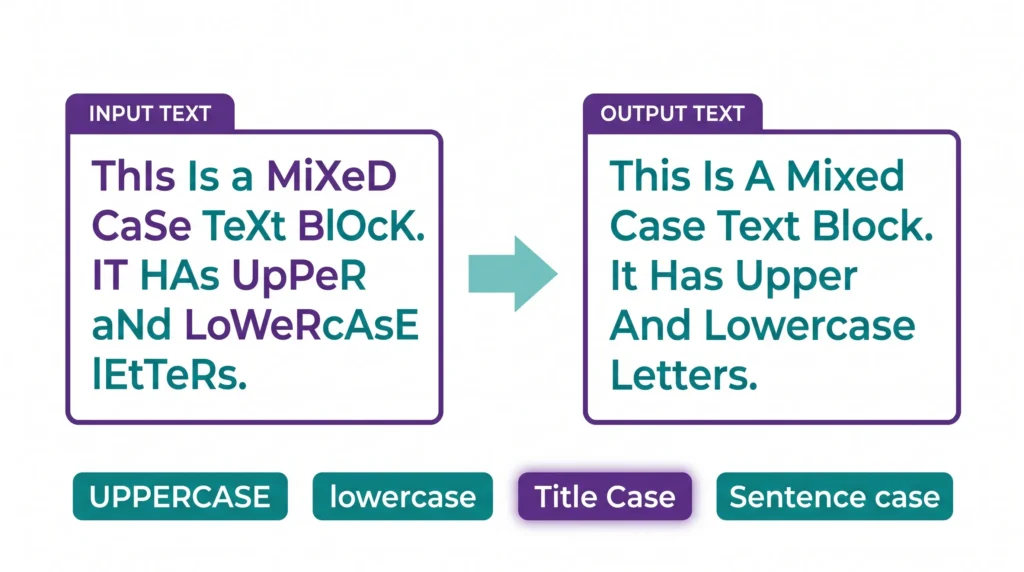
You copy a block of text and it’s ALL IN CAPS. Someone pasted a heading in all lowercase. Or your document has random capitalization that doesn’t follow any pattern.
Fixing it manually takes way longer than it should. A free online case converter fixes everything in one click — paste your text, choose the format, done.
This guide covers every text case type, exactly when to use each one, and how to convert any text in seconds at case-converter.aitoolse.com.
Who Actually Uses a Case Converter?
More people than you’d think. Here’s who reaches for this tool regularly:
- Writers and editors — cleaning up copy-pasted content from PDFs, emails, or old Word documents
- Developers — formatting variable names, database fields, and comments consistently
- Social media managers — making post titles and captions uniform across platforms
- Students — formatting headings in essays and reports that require specific capitalization rules
- SEO professionals — writing title tags and meta descriptions that follow proper capitalization
If you’ve ever manually held Shift to re-capitalize a paragraph someone typed in all caps, you needed this tool.
Every Case Type — With Real Examples
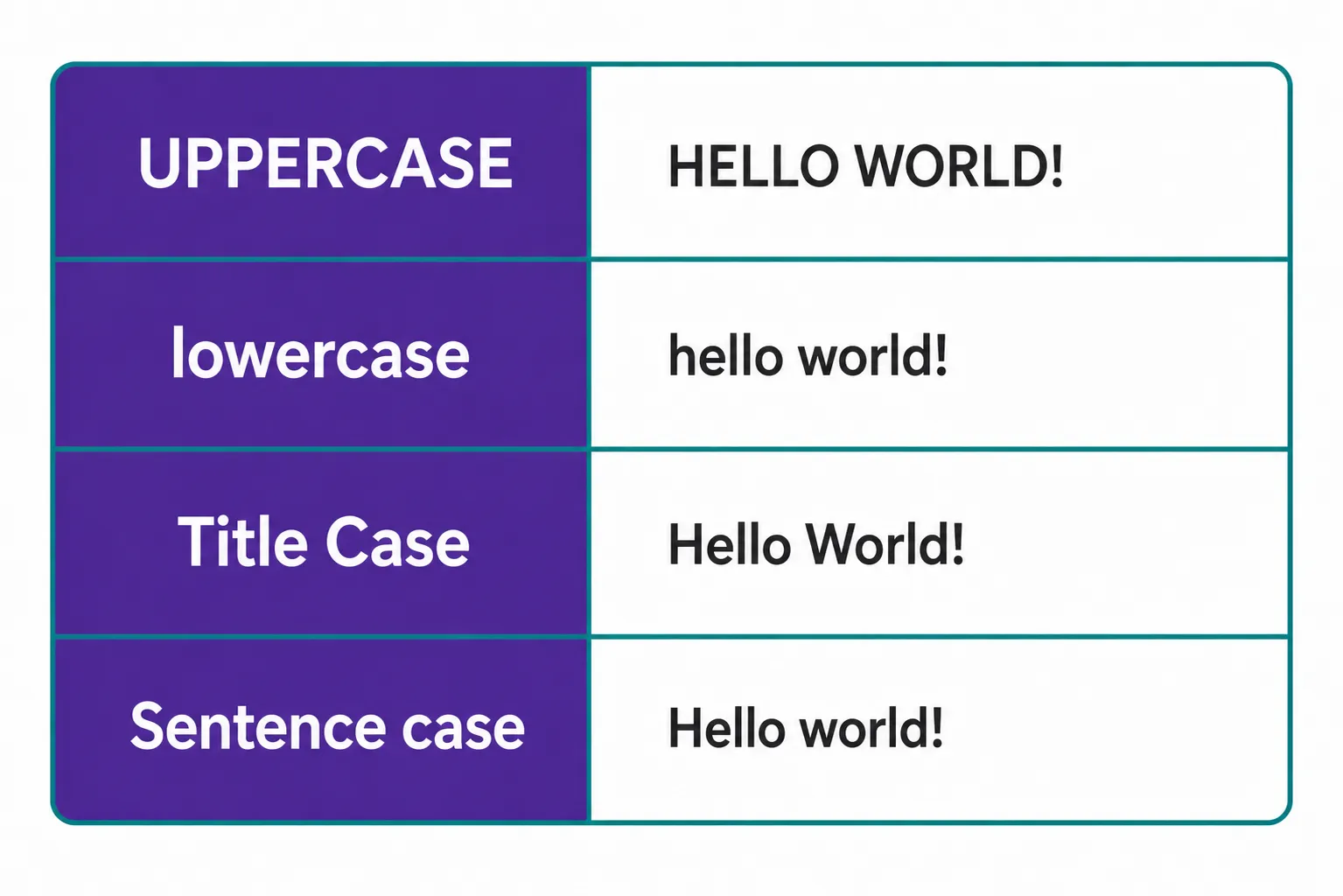
The AIToolsE Case Converter supports six formatting styles. Here’s exactly what each does and when to use it.
UPPERCASE
Converts every letter to capitals.
➜ this needs to stand out becomes THIS NEEDS TO STAND OUT
Use when: Acronyms, design text, warning labels, headings meant to grab attention.
lowercase
Converts every letter to small.
➜ SOMEONE SENT THIS IN CAPS becomes someone sent this in caps
Use when: Casual brand styling, cleaning up mistakenly all-capped text, code variable names.
Title Case
Capitalizes the first letter of every major word — following actual grammar rules.
➜ how to use a case converter for free becomes How to Use a Case Converter for Free
Use when: Blog post titles, YouTube video titles, article headings, email subject lines.
Sentence case
Capitalizes only the first letter of each sentence.
➜ THIS IS A FULL SENTENCE. AND HERE IS ANOTHER. becomes This is a full sentence. And here is another.
Use when: Body copy, paragraphs, social media captions, emails — anywhere normal writing goes.
Capitalized Case
Capitalizes the first letter of every single word, including small words like “and” and “the.”
➜ free tools for content creators becomes Free Tools For Content Creators
Use when: Navigation menus, button labels, subheadings in formal documents.
aLtErNaTiNg CaSe
Switches between upper and lower on each letter.
➜ this is normal text becomes tHiS iS nOrMaL tExT
Use when: Memes, humor posts, sarcasm on social media. Not for anything professional.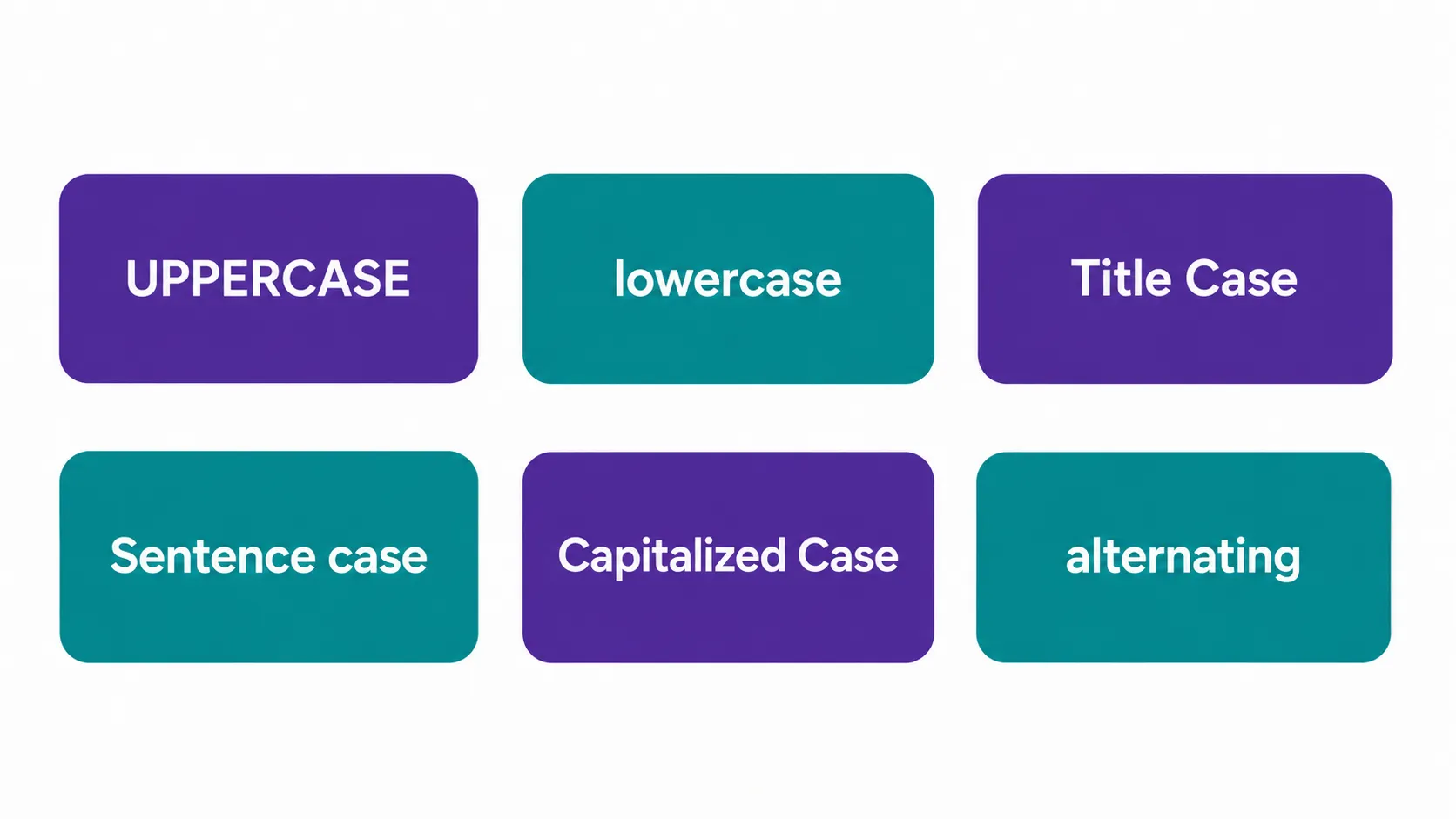
How to Convert Text — 3 Steps
Step 1 — Open the tool
Go to case-converter.aitoolse.com. No loading screen, no signup prompt.
Step 2 — Paste your text
Click the text box and paste anything — a sentence, a full paragraph, or an entire document. There’s no character limit.
Step 3 — Choose your case style
Click the case button you need. The conversion happens instantly. Copy the result with one click.
That’s it. No account, no download, no waiting.
Real Situations Where This Saves You Time
Fixing copy-pasted PDF text
PDFs often export with ALL CAPS headings mixed into body paragraphs. Paste the whole section, hit Sentence case, and it’s clean in one shot.
Writing SEO titles correctly
Google’s best practices recommend Title Case for page titles and H1 headings. Stop fixing each word by hand — paste your draft title and convert.
Formatting CMS content
If you manage a WordPress site or any CMS, keeping heading capitalization consistent across posts matters. One paste and convert keeps everything uniform.
Fixing all-caps emails
Some people still type entirely in capitals. Paste the message, hit Sentence case, and you have a readable version for your notes or reply.
The Title Case Rule Most People Get Wrong
Title Case sounds straightforward. It’s not — and most people break the rules without knowing.
Words that should NOT be capitalized in a title:
- Articles: a, an, the
- Short prepositions: in, on, at, by, for, of, to, with
- Coordinating conjunctions: and, but, or, nor, so, yet
✅ Correct: How to Use a Case Converter for Free
❌ Wrong: How To Use A Case Converter For Free
The AIToolsE converter follows standard Title Case grammar rules automatically. You don’t have to memorize any of this.
Frequently Asked Questions
Is the case converter completely free?
Yes. No account, no trial, no character limit. Paste any amount of text and convert instantly.
Does it work on mobile?
Yes. The tool is browser-based and works on any device — iPhone, Android, tablet, or desktop. No app needed.
Can I convert an entire document at once?
Yes. Paste as much text as you need. The converter handles full paragraphs and long documents without breaking formatting.
Will it change punctuation or numbers?
No. Only the capitalization of letters changes. Numbers, punctuation, and symbols stay exactly as they are.
What’s the difference between Title Case and Capitalized Case?
Title Case follows grammar rules — small words like “the,” “and,” and “of” stay lowercase. Capitalized Case capitalizes every single word with no exceptions.
Does it work with non-English text?
The tool works with Latin-script languages. Results may vary for languages with different capitalization systems.
Final Word
Fixing capitalization by hand is one of those tasks that eats five minutes before you realize it. A good case converter removes that entirely.
Whether you’re formatting an article headline, cleaning up a PDF expodrt, or just fixing a paragraph someone sent in all caps — it takes two seconds.
Try it free → case-converter.aitoolse.com