
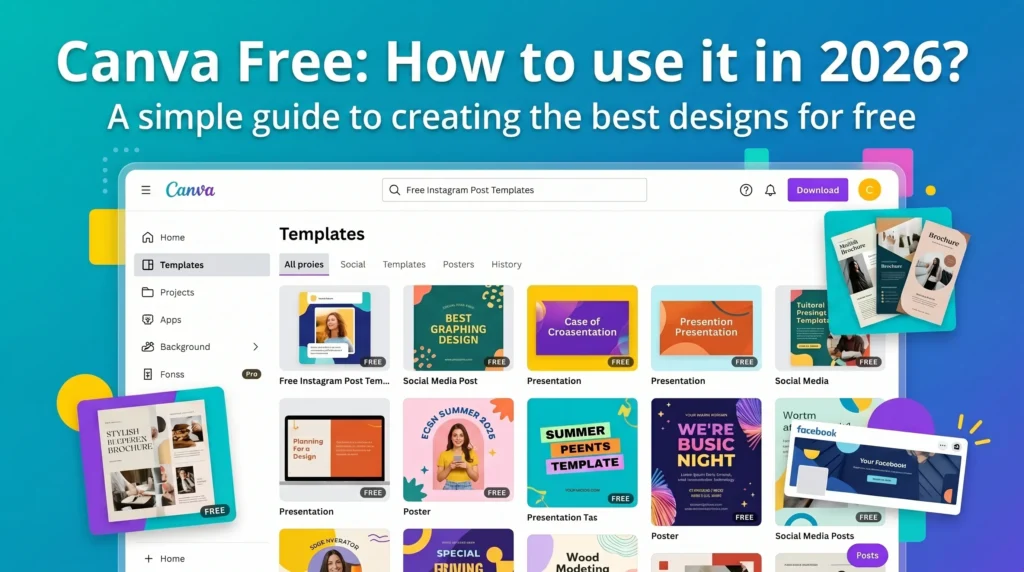
Canva has quietly become one of the most powerful design tools in the world — and the best part? You don’t need to spend a single dollar to create stunning designs. Whether you’re building a brand from scratch, managing social media, or simply need a quick poster for an event, Canva’s free version gives you everything you need to get started.
In this guide, we’ll walk you through exactly what Canva’s free plan includes, what the limitations are, and how to get the absolute maximum out of it — including a few tools that work perfectly alongside Canva to make your workflow even faster.
What Is Canva and Why Is It So Popular? #what-is-canva
Canva is a browser-based graphic design platform launched in 2013. Today it has over 170 million users across 190 countries. Its rise to popularity comes down to one thing: it removed the technical barrier that tools like Photoshop and Illustrator always had.
You don’t need a design degree to create something professional on Canva. You just need an idea.
The platform works on any device — desktop, tablet, and mobile — and saves everything automatically to the cloud. Start a design on your laptop and finish it on your phone. No downloads, no installations, no compatibility issues.
What’s Included in Canva Free? #whats-included
Canva’s free plan is genuinely generous compared to most tools. Here’s exactly what you get:
| Feature | What You Get |
|---|---|
| Templates | 250,000+ free templates across all formats |
| Elements | 1 million+ free photos, icons, illustrations, shapes |
| Storage | 5 GB cloud storage |
| Export Formats | PNG, JPG, PDF — unlimited downloads |
| Collaboration | Real-time editing with teammates |
| Brand Kit | 1 logo, 1 color palette, 2 fonts |
| Canva AI | Limited access to Magic Write & background removal |
What Canva Free Does NOT Include #limitations
Being honest here matters. The free plan has real limitations worth knowing before you commit.
- Premium templates — A significant portion of Canva’s best templates require Pro. You’ll see the crown icon on locked templates.
- Background Remover — Only a handful of AI removals per month. Power users will hit this limit quickly.
- Magic Resize — Auto-resizing a design to multiple formats is a Pro-only feature.
- Full Brand Kit — Multiple brand kits, more fonts, and advanced brand controls require Pro.
- Unlimited AI features — Full access to Magic Studio AI tools is limited on the free plan.
For most casual users and small businesses, the free plan is more than enough. For agencies managing multiple brands, Pro at $15/month becomes worth considering.
Step-by-Step: Getting Started on Canva Free #getting-started
Getting started takes under two minutes.
Step 1 — Create a free account. Go to canva.com, click “Sign up for free,” and register with your Google, Facebook, or email account.
Step 2 — Choose your design type. On the homepage, use the search bar. Type what you want to create — “Instagram post,” “logo,” “presentation,” “resume” — and hit enter. Or browse the categories manually.
Step 3 — Select a free template. Filter by “Free” to see only templates available on your plan. Click any template to open it in the editor.
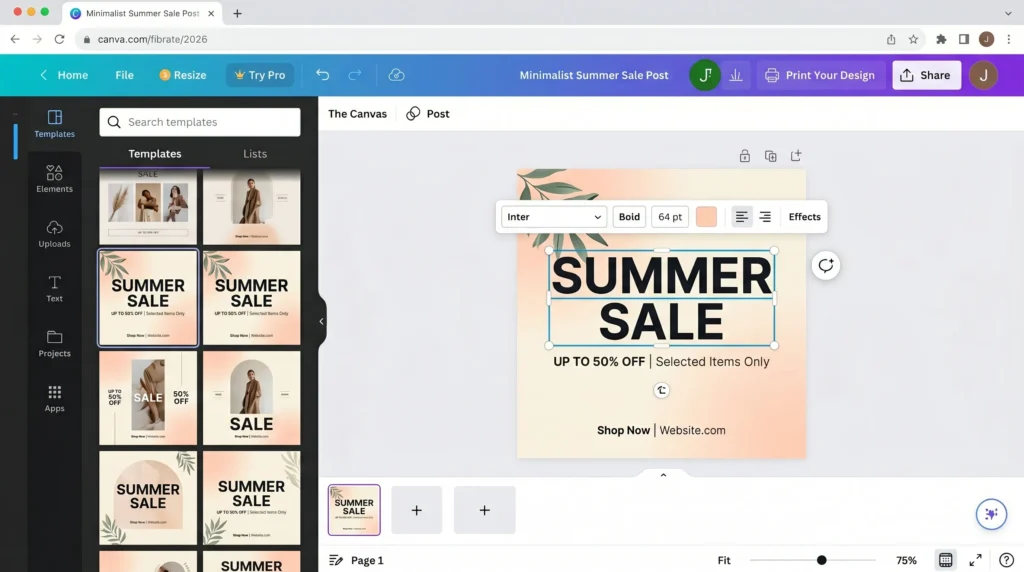
Step 4 — Customize the design. Click any text to edit it. Click any image to replace it with your own photo or a free stock image from the library. Adjust colors, fonts, and layout as needed.
Step 5 — Download your design. Click “Share” → “Download” → choose PNG, JPG, or PDF → click Download. Done.
10 Best Things to Design on Canva Free #best-designs
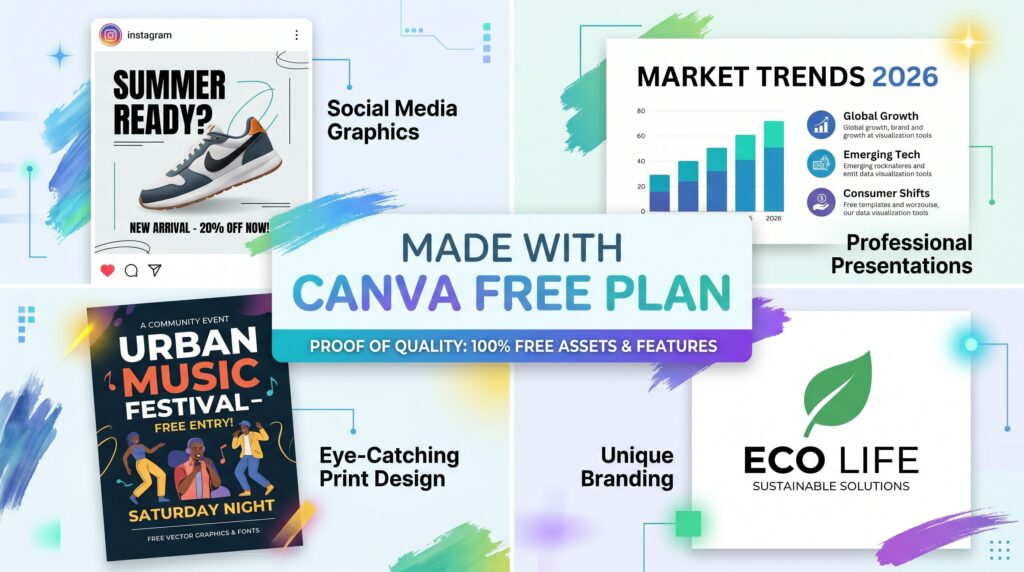
Canva’s free plan handles an impressive range of creative work. Here are the ten formats that deliver the most value:
- Social Media Posts — Pre-sized templates for Instagram, Facebook, Twitter, LinkedIn, TikTok, and Pinterest. Hundreds of free options per platform.
- YouTube Thumbnails — Bold, high-contrast thumbnail templates proven to drive higher click-through rates.
- Presentations — Professional slide decks with animation support. Import or export to PowerPoint format.
- Logo Design — Basic but solid logo templates. Great for startups and side projects that need a clean brand mark fast.
- Resumes & CVs — Clean, modern resume templates that stand out from default Word document formats.
- Business Cards — Design a digital or printable business card in minutes.
- Flyers & Posters — Event posters, promotional flyers, and announcement graphics with easy drag-and-drop editing.
- Infographics — Data visualization and step-by-step process graphics for blogs, reports, and social media.
- Email Headers — Banner graphics for newsletters and email marketing campaigns.
- Story Templates — Animated or static Instagram and WhatsApp Story designs that look far more polished than what most people create natively.
Pro Tips to Get More From the Free Plan #pro-tips
Most free Canva users leave value on the table. Here are strategies that experienced designers use to maximize the free tier.
- Use the search filter aggressively. Every time you search for templates, immediately apply the “Free” filter. This saves you from falling in love with a template you can’t actually use.
- Upload your own elements. You’re not limited to Canva’s library. Upload your own photos, icons, textures, and brand assets. This dramatically expands what’s possible on the free plan.
- Combine multiple templates. Copy elements from one template and paste them into another. Mix and match to create something that looks entirely original.
- Use Canva’s font pairings. The free font library includes hundreds of professional typefaces. Experiment with heading and body font combinations for a polished look.
- Download as PDF for print quality. When printing anything — always download as “PDF Print” rather than PNG for the highest resolution output.
- Create a consistent color palette. Even on free, you can save a set of custom colors using the Brand Kit basic feature.
Free Tools That Work Perfectly With Canva #free-tools
Your Free Canva Toolkit
Premium design tools, completely free — prepare your access
0% verified
Verifying your free access…
Once you've designed something in Canva, you'll often need to:
- Convert the exported file to a different format
- Generate a QR code to link to the design
- Create hashtags to promote it on social media
- Build a secure password for a new account
All of these tasks have a free solution in one place at aitoolse.com — including a bulk image converter, QR code generator, AI hashtag tool, and more. All free, all in one place.
Canva Free vs Canva Pro — Is the Upgrade Worth It? #comparison
| Feature | Free | Pro ($15/mo) |
|---|---|---|
| Templates | 250,000+ | 610,000+ |
| Storage | 5 GB | 1 TB |
| Background Remover | Limited | Unlimited |
| Magic Resize | No | Yes |
| Brand Kits | 1 | Unlimited |
| AI Features | Limited | Full Access |
| Schedule Posts | No | Yes |
| Folders & Organization | Basic | Advanced |
Verdict: If you're a solo creator, student, or small business owner using Canva casually — the free plan is genuinely enough. Upgrade to Pro only when you're hitting the background remover limit repeatedly, managing multiple brand identities, or need the magic resize feature regularly.
FAQ #faq
Is Canva actually free forever?
Yes. Canva's free plan is permanently free — no trial period, no expiry. You can use it indefinitely without paying.
Can I use Canva free designs for commercial projects?
Yes, with conditions. Free templates and elements are licensed for commercial use, but you must not resell the design as a standalone template product. Always check the specific element license if you're unsure.
Does Canva free include the mobile app?
Yes. The Canva iOS and Android apps are free and include all the same features as the free web version. Your designs sync automatically across all devices.
Can I collaborate with others on Canva free?
Yes. Canva free allows real-time collaboration by sharing a link. Multiple people can edit the same design simultaneously.
What's the difference between Canva free and Canva for Education?
Canva for Education gives students and teachers full Pro features at no cost. If you're eligible, apply at canva.com/education — it's worth it.
Is Canva better than Adobe Express for free users?
For most users, yes. Canva's free template library is significantly larger, the interface is more beginner-friendly, and the free tier is less restricted than Adobe Express.
Final Thoughts
Canva's free plan in 2026 is one of the most generous free tools available to creators and professionals anywhere in the world. With 250,000+ templates, over a million free assets, and no time limit on the free tier, there's genuinely very little reason to pay unless your workflow specifically demands Pro features.
Start with the free plan. Learn the tool. And when you hit the limits — you'll know exactly what you're getting for the upgrade.
Start designing free at canva.com Get your free toolkit at aitoolse.com