You’re testing a signup form and need 20 different user records. Or a website is asking for your real name, email, and address just to let you read one article. Or you’re filling out a form for a class demo and don’t want your actual details on screen.
In all three cases, the answer is the same: generate placeholder identity data instead of using your own.
IdentityGen by AIToolsE creates realistic-looking sample profiles — name, address, email, phone, and more — instantly and for free. This guide covers what it’s for, how to use it responsibly, and where this kind of tool actually belongs in your workflow.
What a Fake Identity Generator Actually Does
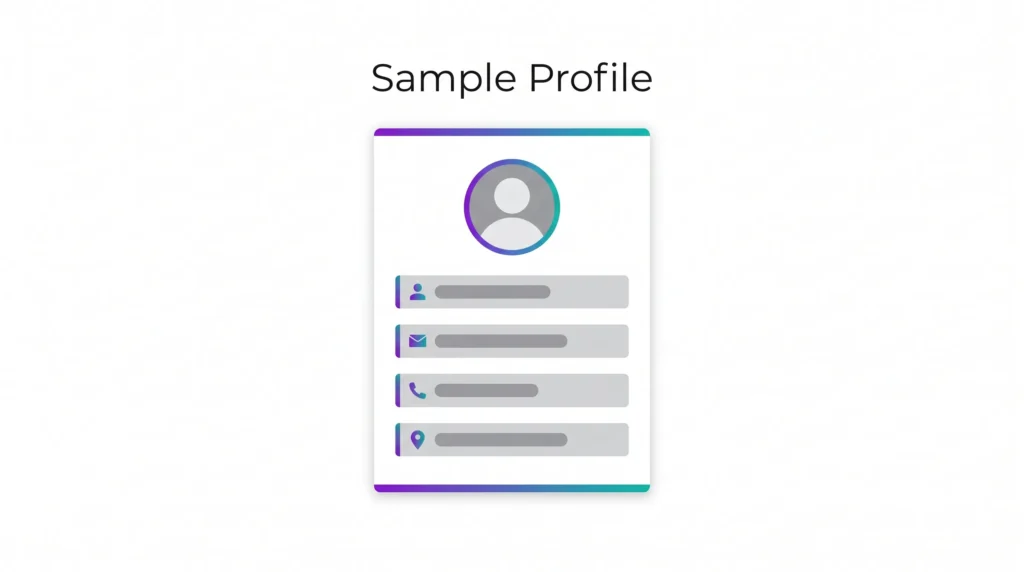
A fake identity generator creates a complete sample profile — a name, address, phone number, email, date of birth, and sometimes more — using randomized but realistic-looking data. None of it belongs to a real person.
This is different from stealing or making up someone else’s information. The data is generated fresh, follows realistic formatting (a US address looks like a US address, a phone number has the right number of digits for its region), but maps to no actual person, account, or document.
Developers call this “dummy data” or “mock data.” It’s a standard part of how software gets built and tested.
Who Actually Uses This Tool
Developers and QA testers
Every signup form, checkout page, and user database needs to be tested with realistic-looking data before going live. Typing “asdf asdf, test@test.com” a hundred times doesn’t catch formatting bugs the way realistic data does.
Students and trainers
Teaching a spreadsheet, database, or CRM course needs example records. Using a generator avoids putting anyone’s real information on a shared screen or projector.
People protecting their privacy online
Plenty of websites ask for a name, birthday, or address just to view content, claim a discount code, or sign up for something you’ll use once. Using your real details everywhere increases your exposure if that site is ever breached.
Designers building mockups
A user profile mockup, dashboard design, or app prototype looks more realistic — and easier to present to clients — with sample names and details instead of “User 1, User 2, User 3.”
How to Generate a Sample Identity
Step 1 — Open the tool
Go to fakeinfo.aitoolse.com. No account, no signup screen.
Step 2 — Choose a region (if available)
Select the country or region format you need. Address formats, phone number patterns, and postal codes vary by country, so this keeps the generated data realistic for your use case.
Step 3 — Generate
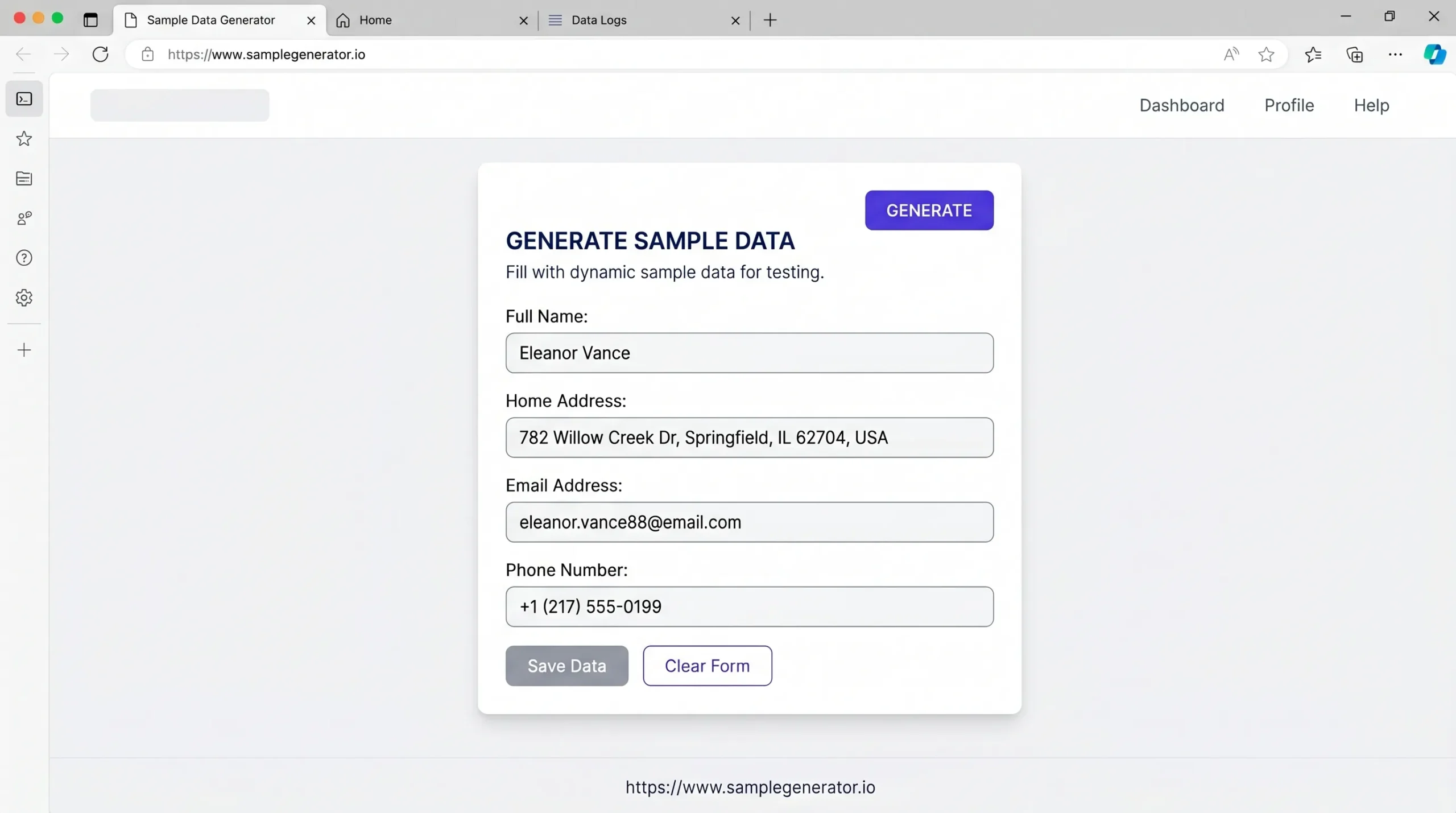
Click generate. You get a complete sample profile — name, address, email, phone, and other fields — instantly.
Step 4 — Copy what you need
Copy individual fields or the full profile. Use it in your form, spreadsheet, test database, or mockup.
Step 5 — Generate again for more
Need 10 or 50 sample records? Generate repeatedly — each one is a fresh, independent set of data.
Where This Tool Belongs — and Where It Doesn’t
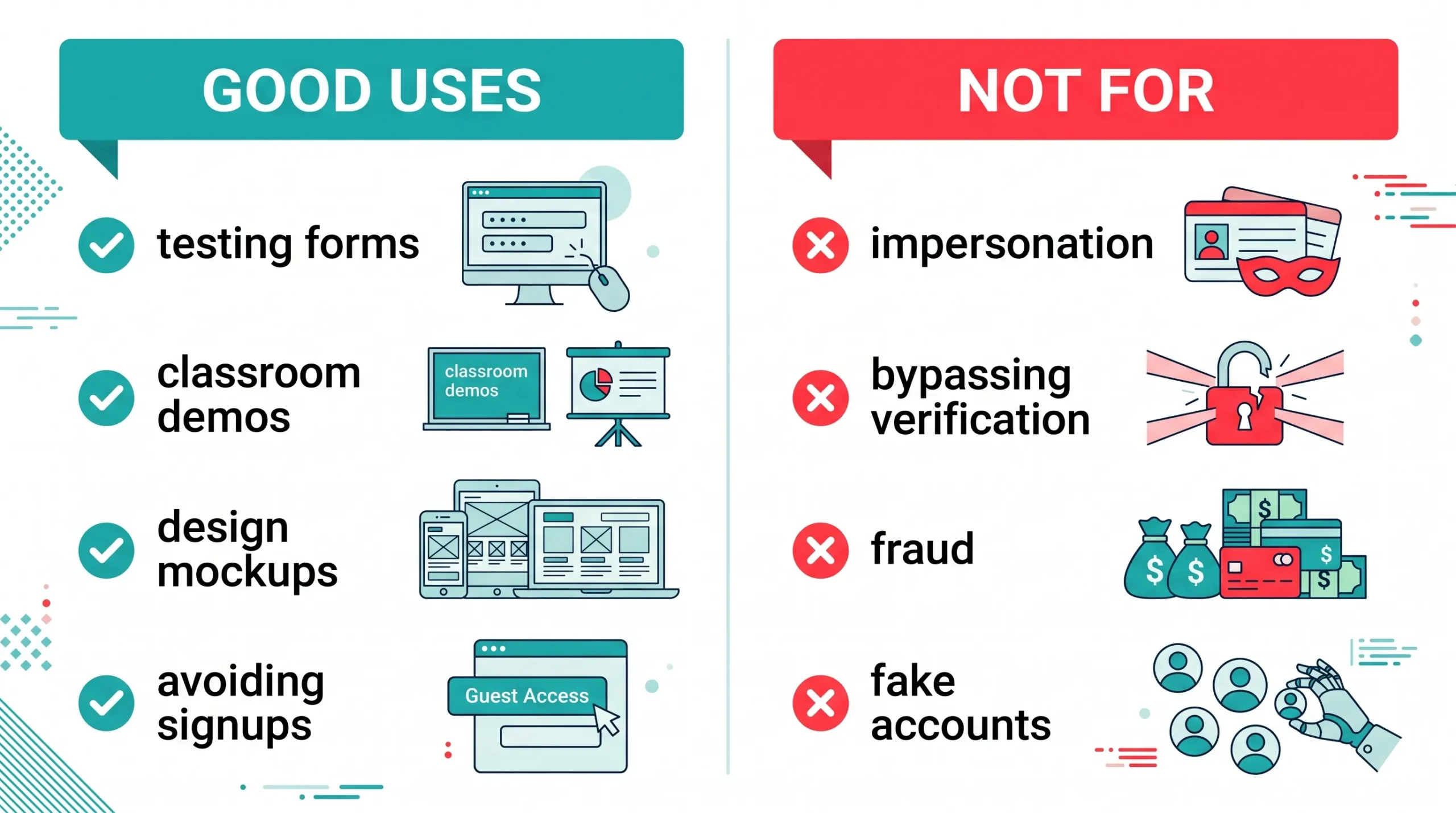
Being direct about this matters. A generator like this is built for testing, learning, demos, and reducing how much real personal information you hand out for low-stakes signups.
It is not a tool for creating fake accounts to violate a platform’s terms of service, for impersonating a real person, or for any kind of fraud or identity document creation. Generated data is randomized placeholder information — it doesn’t connect to real bank accounts, real government IDs, or real people, and using it to deceive someone or bypass identity verification is a misuse of what the tool is for.
The line is simple: testing, demos, and reducing your own data exposure — yes. Pretending to be someone else, or faking documents to deceive a person or system — no.
Protecting Your Real Information Online — Practical Habits
Use a separate email for signups you don’t care about
A free email address used only for newsletters, downloads, and one-time signups keeps your main inbox — and the personal info tied to it — separate from low-value accounts.
Question every form field
Does a recipe blog actually need your birthday to show you a recipe? Does a free PDF download need your phone number? If a field isn’t required, leave it blank or skip the signup.
Use placeholder data for anything you’re just “trying out”
Testing a new app, exploring a demo, or checking how a service works before committing — sample data lets you evaluate without handing over real details upfront.
Check what a site does with your data before signing up
A quick look at a privacy policy tells you whether your information gets sold, shared, or stored indefinitely. If a site won’t say, that’s information too.
Frequently Asked Questions
Is the data generated by IdentityGen connected to a real person?
No. The names, addresses, and contact details are randomly generated and do not correspond to any real individual, account, or document.
Is using a fake identity generator legal?
Generating placeholder data for testing, education, and design purposes is a standard development practice. Using generated data to impersonate someone, commit fraud, or bypass identity verification is illegal regardless of where the data came from.
Can I use this to test a signup form on my website?
Yes. This is one of the most common uses — generating multiple realistic-looking test accounts to check how your forms, validation, and database handle different inputs.
Does the generated address point to a real location?
Generated addresses follow realistic formatting for the selected region but are not guaranteed to correspond to an actual deliverable address. Don’t use them for anything requiring real mail delivery.
Is the tool free with no limits?
Yes. No account required, and you can generate as many sample profiles as you need.
Does it work on mobile?
Yes. The tool is browser-based and works on any device — phone, tablet, or desktop.
Conclusion
Sample data has a real, everyday place in software testing, teaching, design, and reducing how much of your real information sits on random websites. The key is using it for what it’s built for — placeholders, not impersonation.
Generate a sample identity now → fakeinfo.aitoolse.com